 Open Nyans
Colour grading for film, video and AI imagery
One frame in.
Ten grades out.
Nyans reads your shot and composes ten finished looks for it in seconds, on modelled print film or in clean digital, from soft and warm to hard and cold. Each one is solved on your image, so the blacks hold, the highlights hold and skin stays skin.
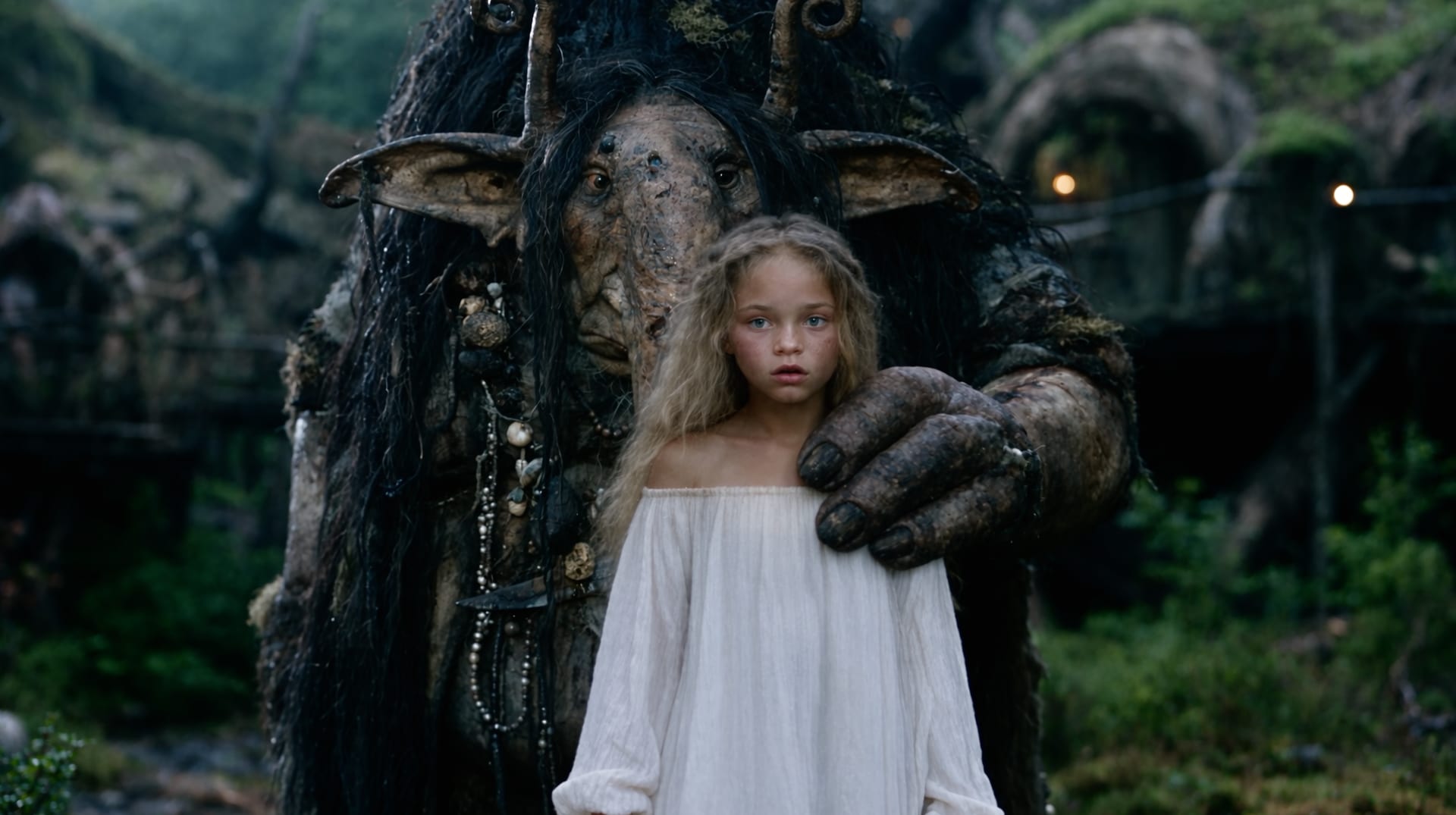
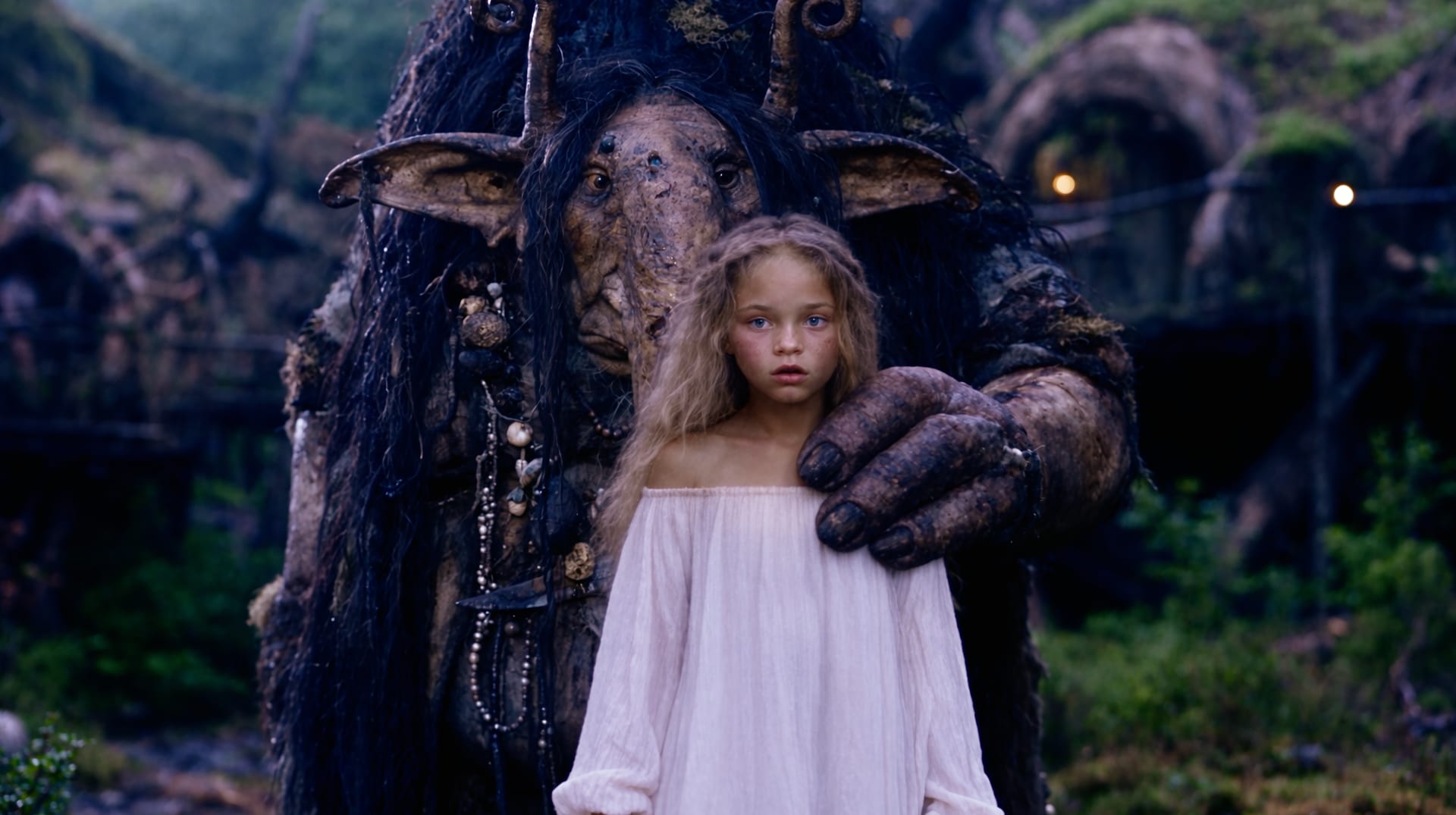
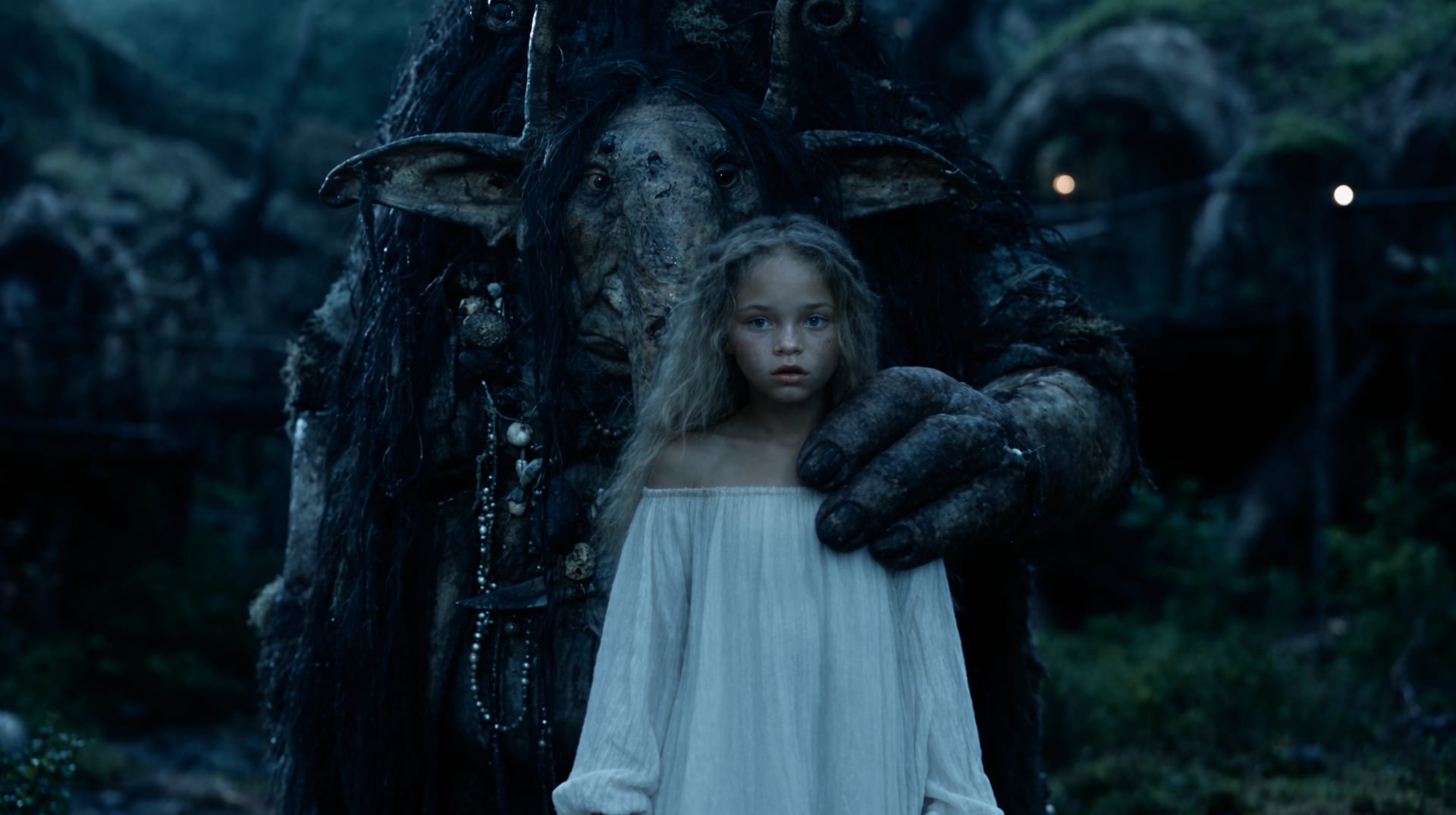
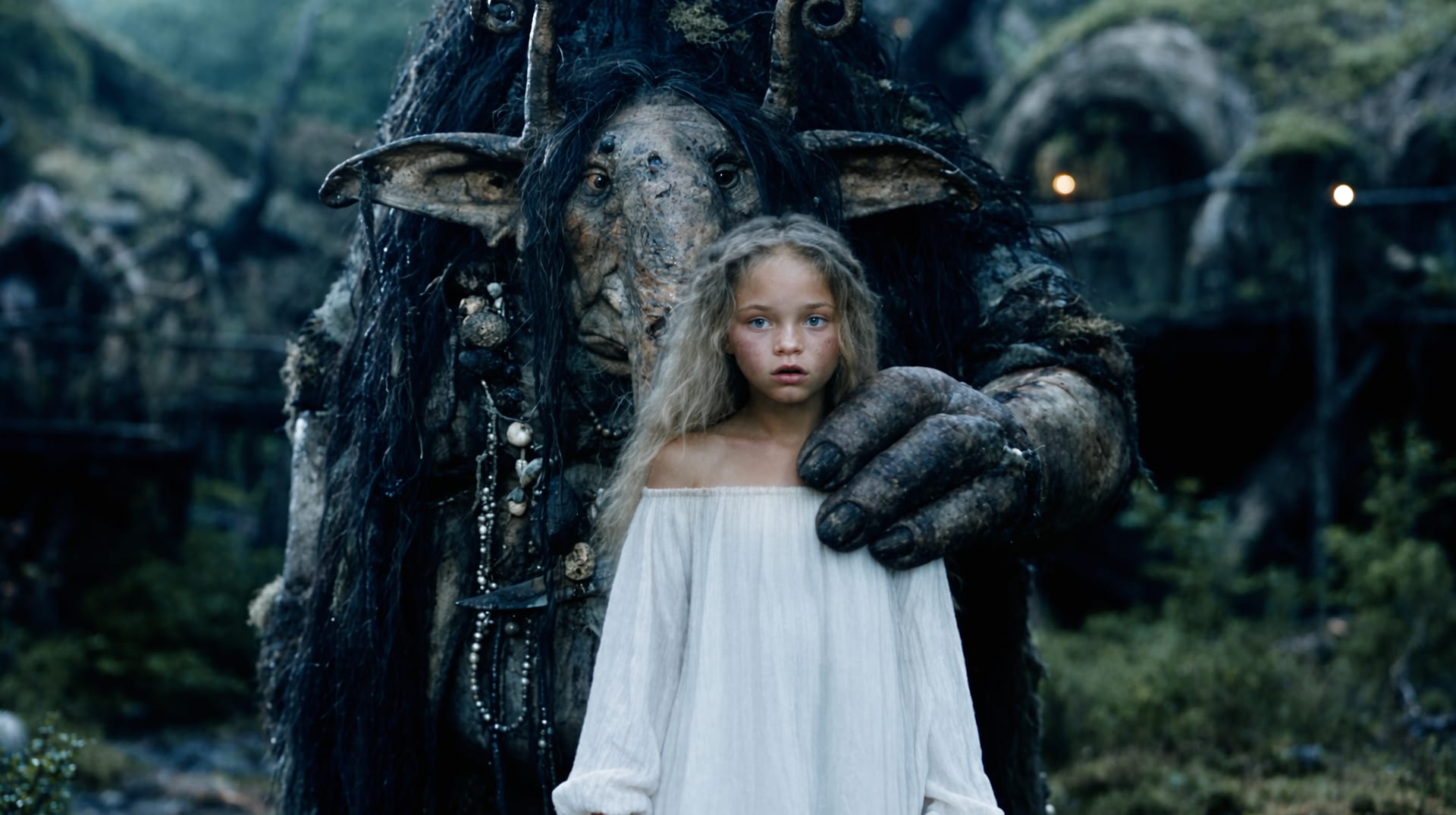

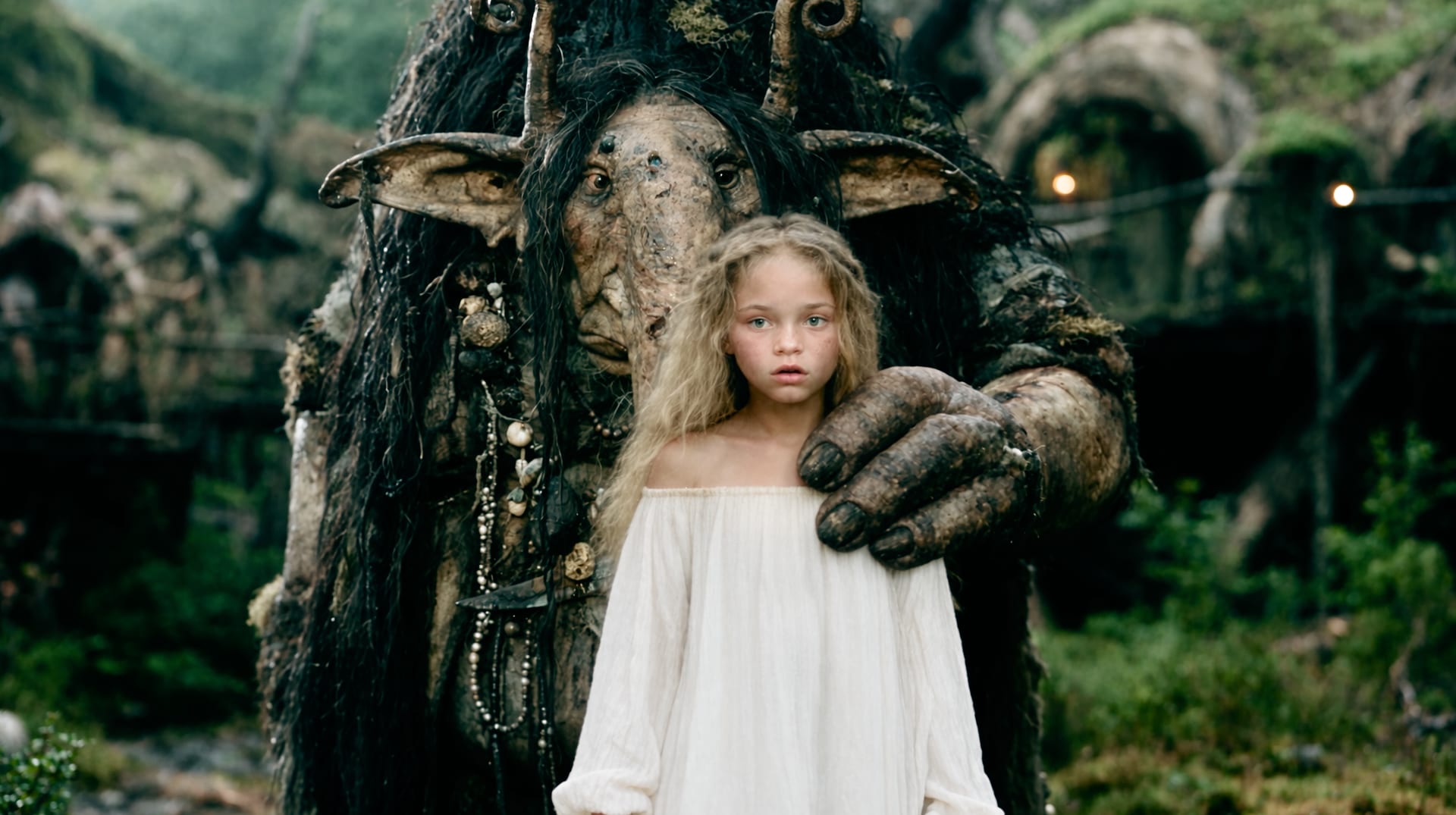
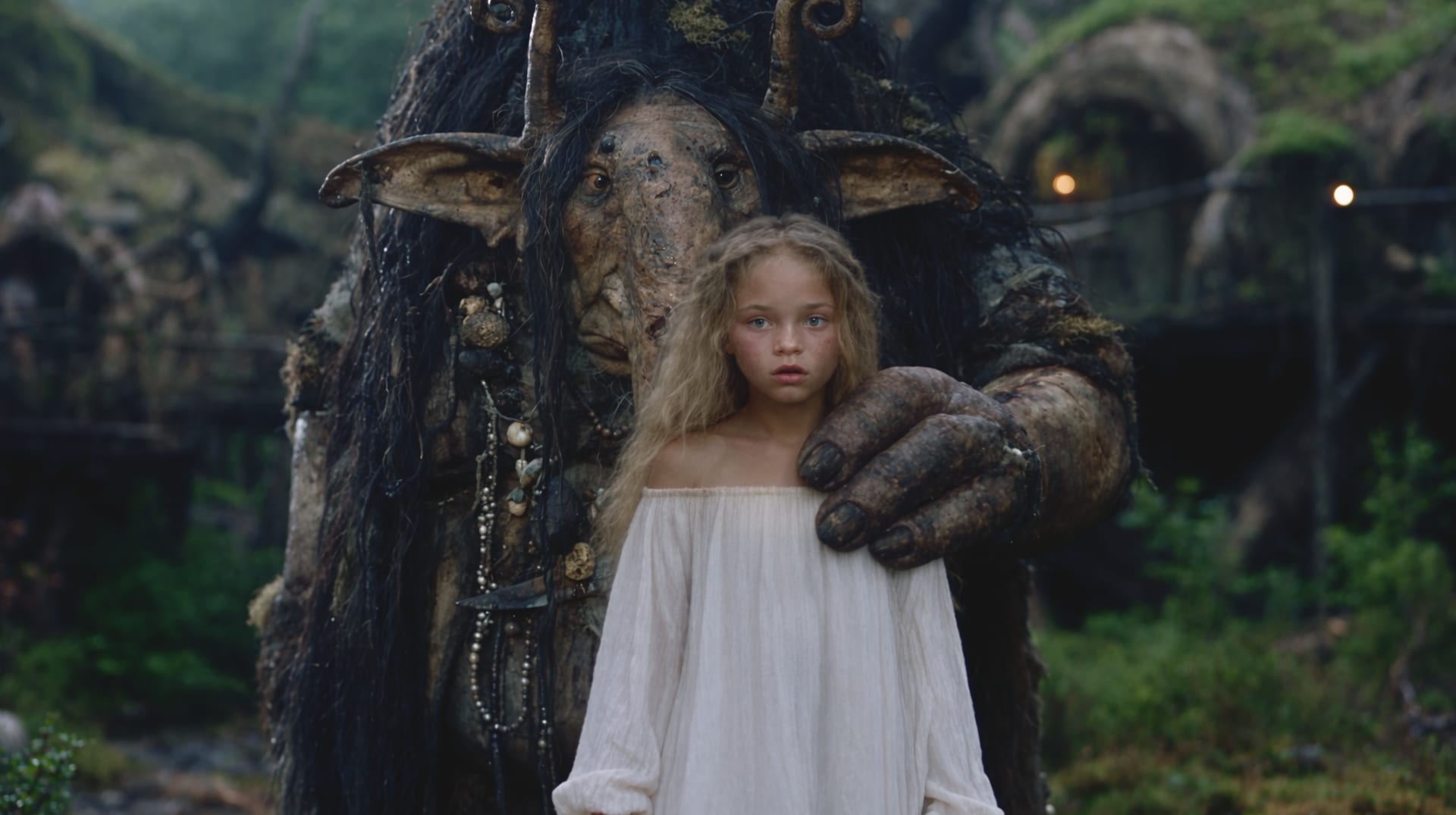
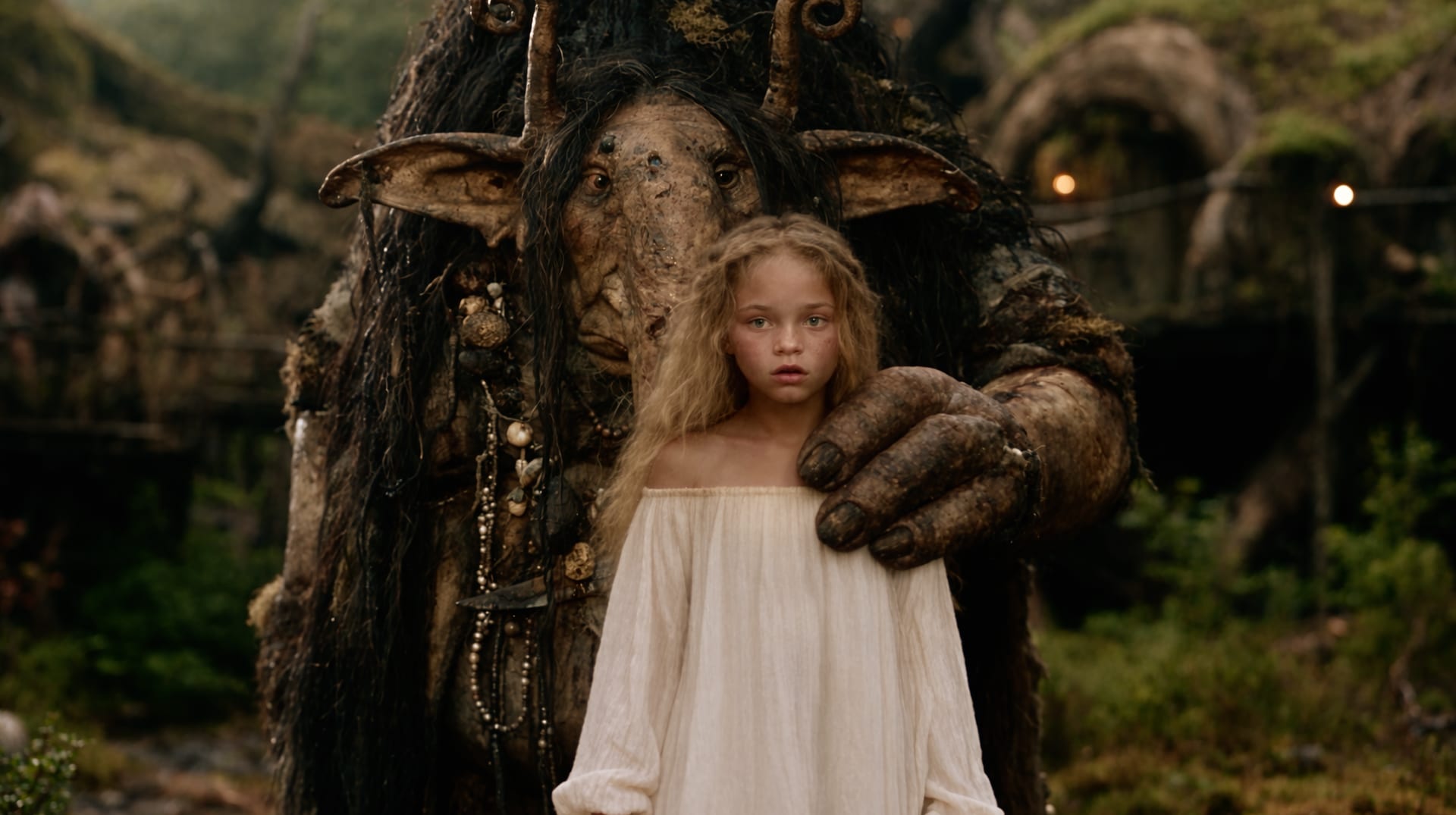
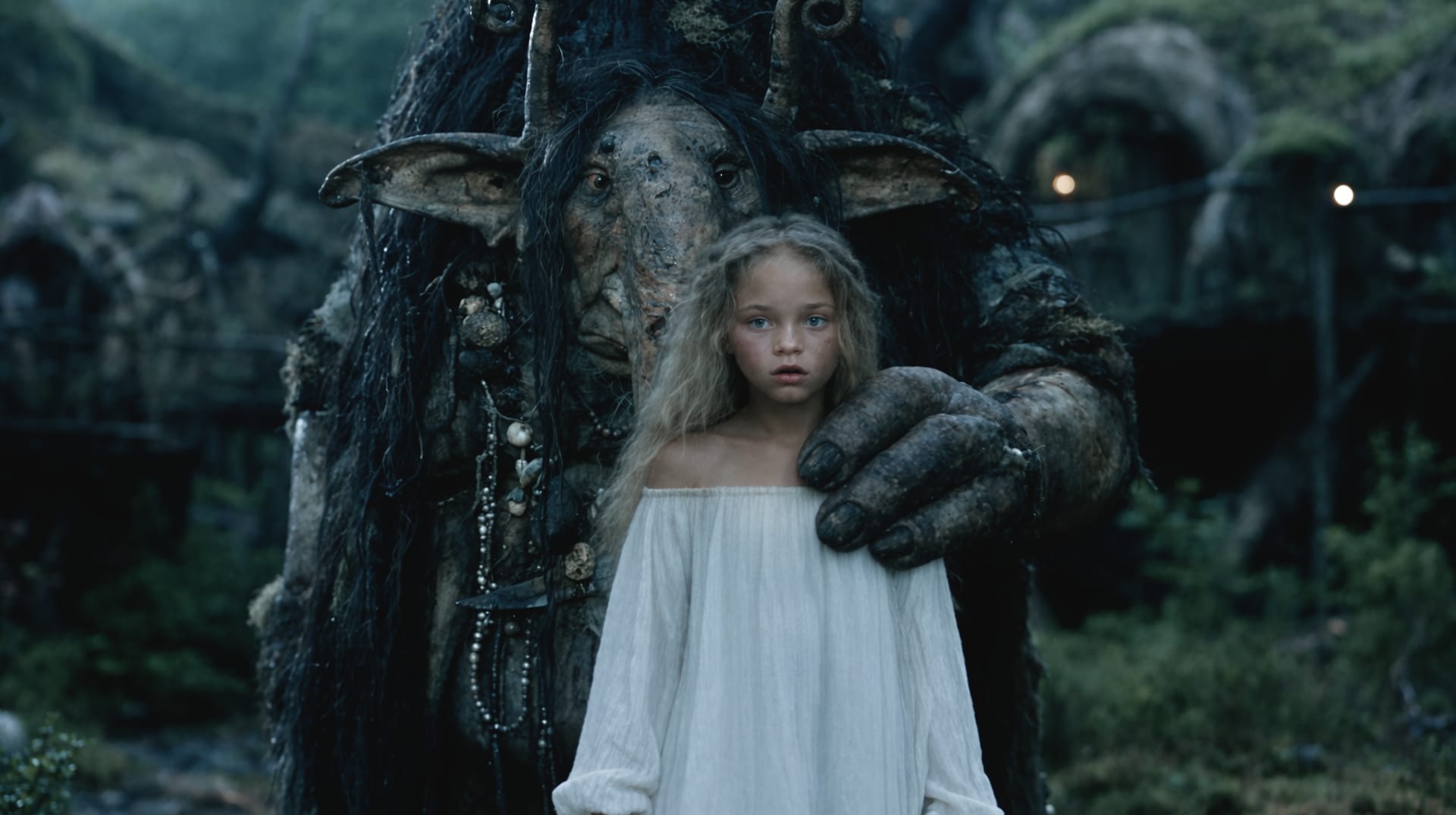
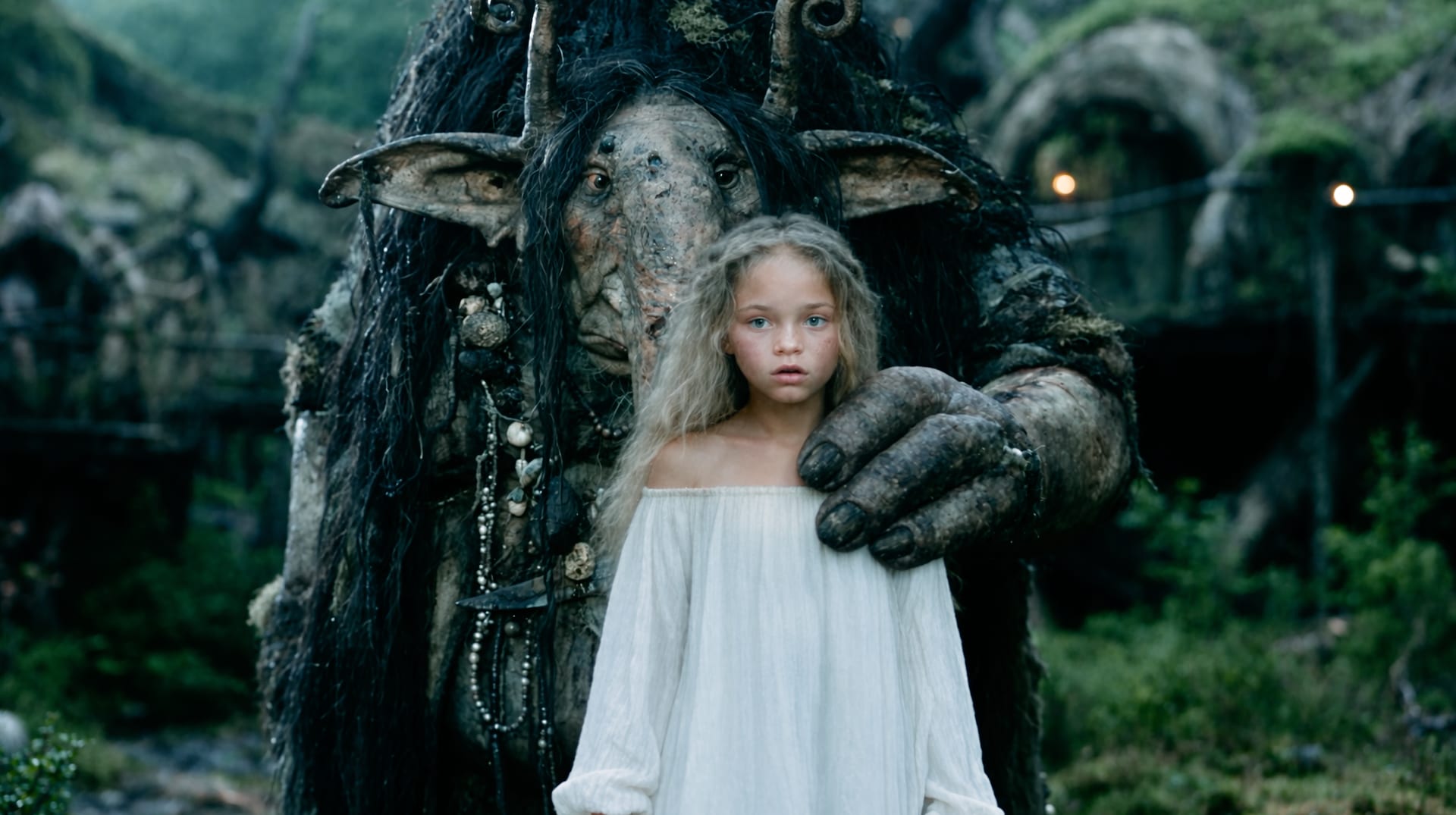
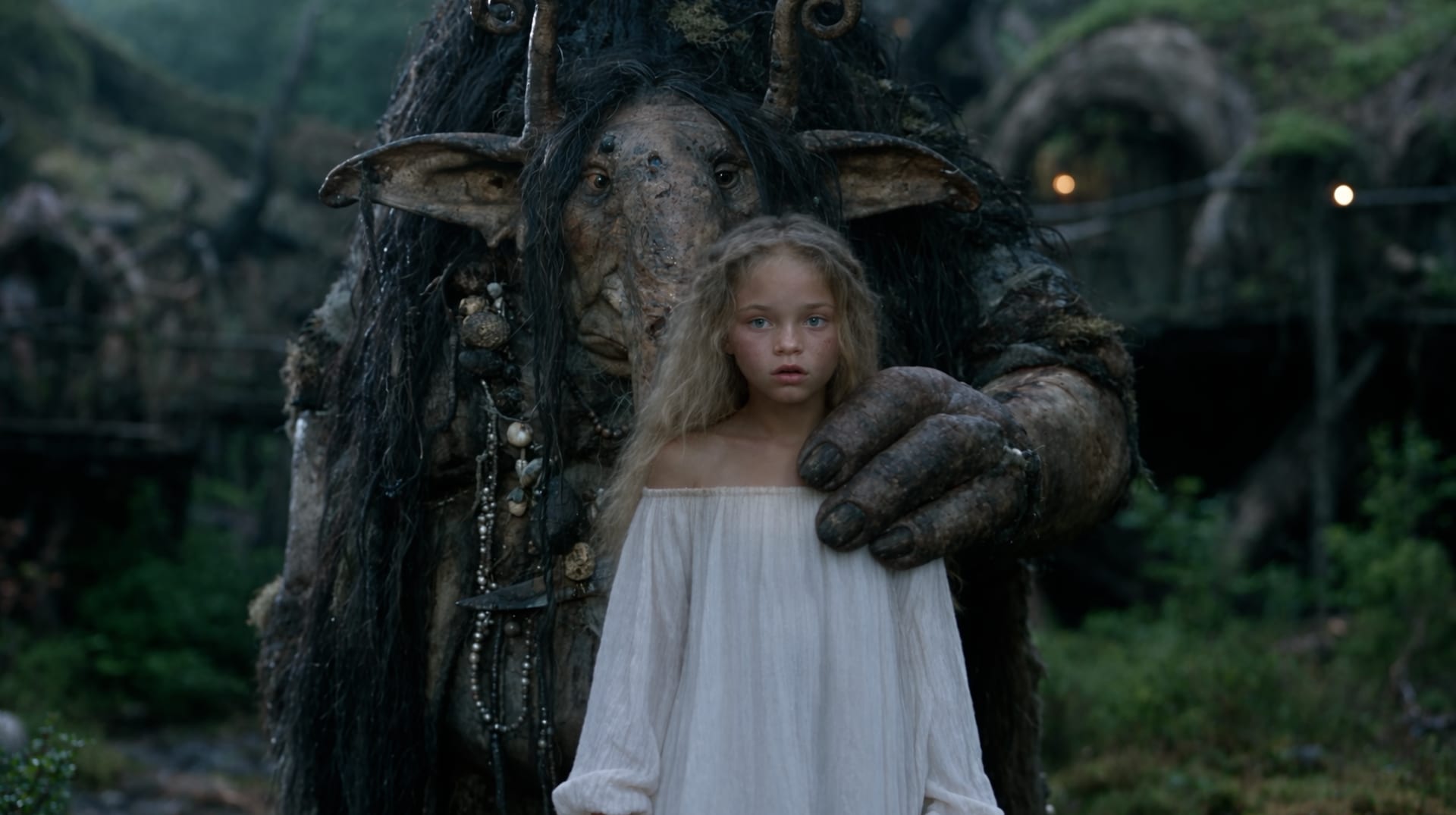
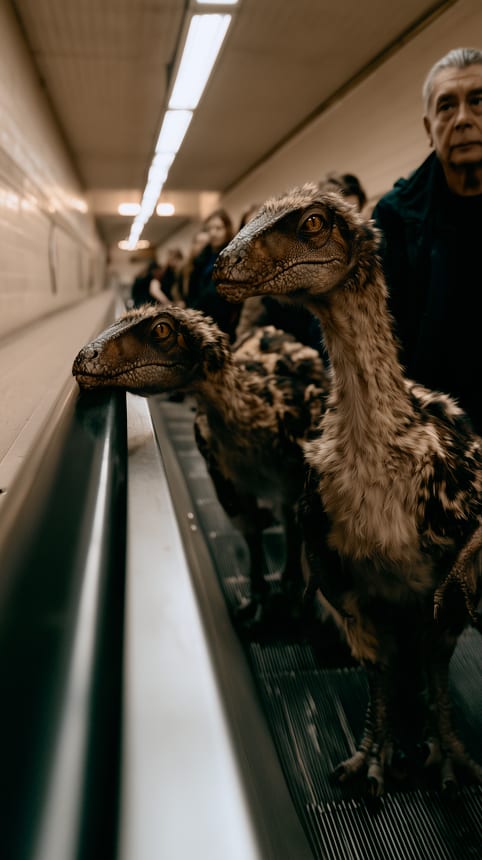
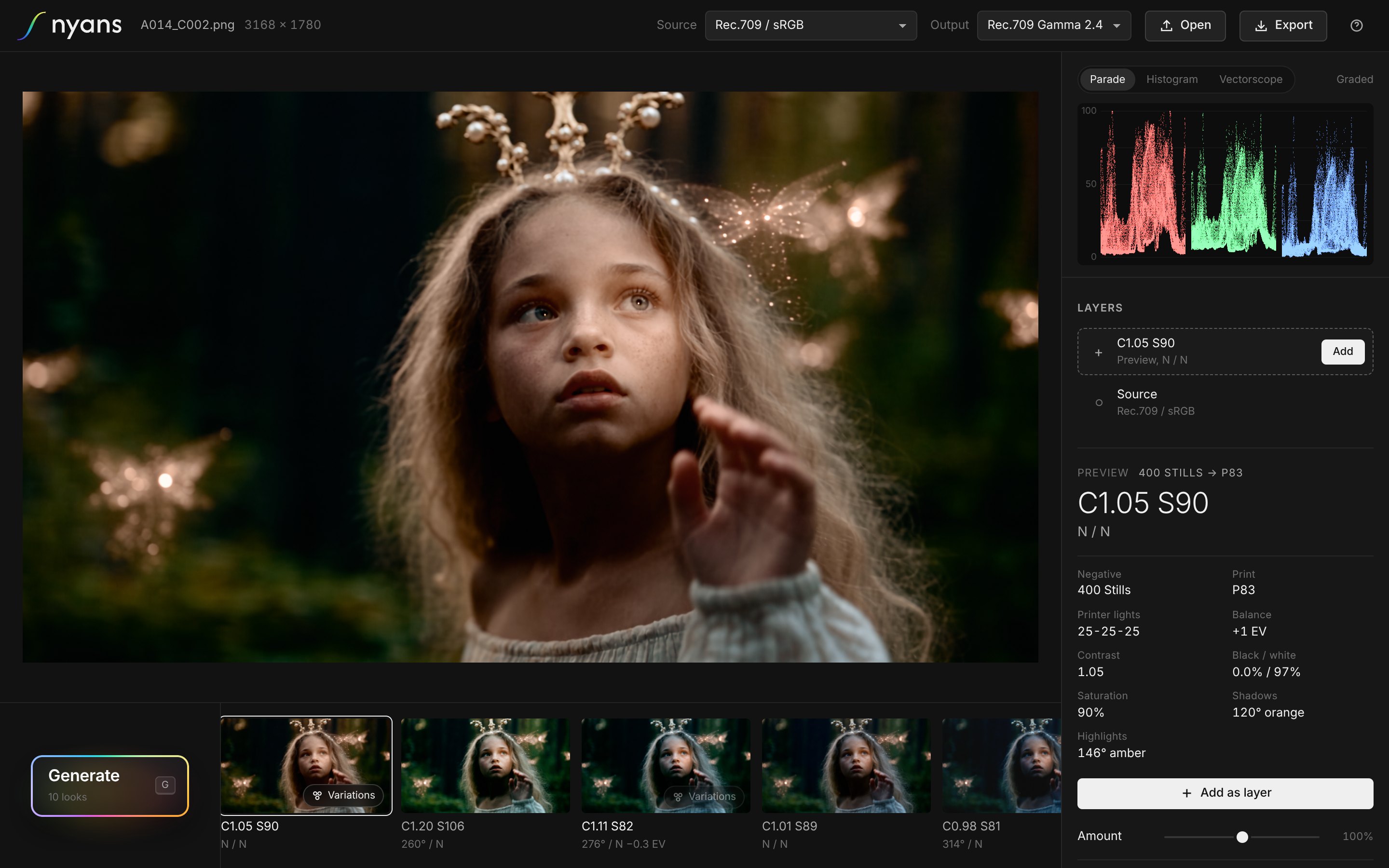
One press of Generate on one frame, exactly as Nyans rendered it
A preset doesn't know your shot. It puts the same numbers on every frame, wherever your blacks sit, however hot your highlights run, wherever the faces are. So it crushes, clips and casts, and the session goes into undoing it. Nyans starts from the frame.
How it works
Three steps. The first two take seconds.
-
01
Open a frame
A still or a clip: camera log, Rec.709, phone footage or AI-generated. Inside Premiere Pro or DaVinci Resolve, Nyans reads the frame under your playhead.
-
02
Press Generate
Ten looks, each from a different family, composed for that exact frame. Press again and you get ten new ones. No two presses are alike.
-
03
Refine and deliver
Trim the look the way a colourist would, then export a .cube LUT, a full-resolution still or the graded clip, or apply it to the clip in your timeline in one press.
One press
Ten looks. Not one of them a preset.
This is a single press of Generate on one frame. Every look was composed for it, for its exposure, its black and white and its skin, and each one comes from a different family. They carry the names Nyans gives them: C is contrast, S is saturation, then the hue of the tint in the shadows and in the highlights, N where they stay neutral.
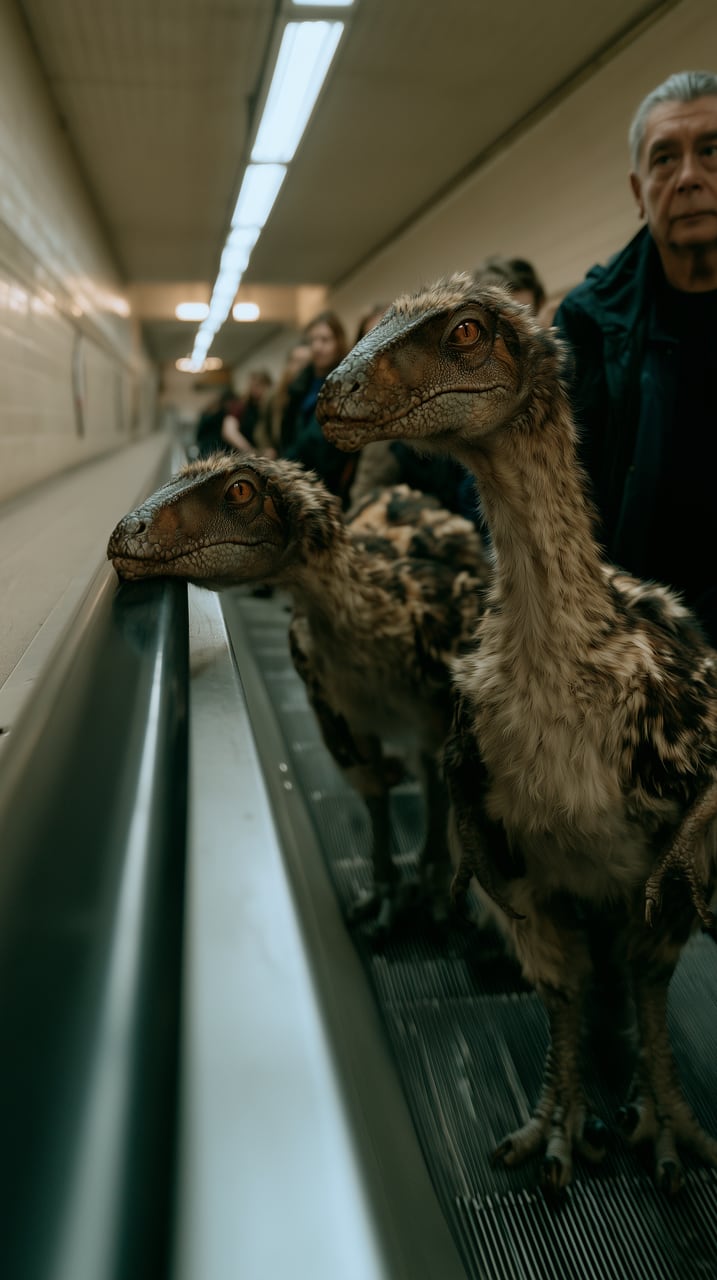
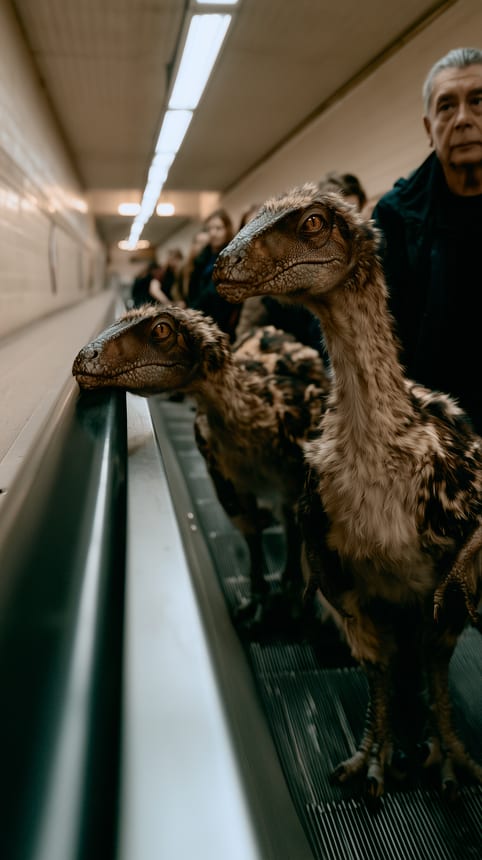
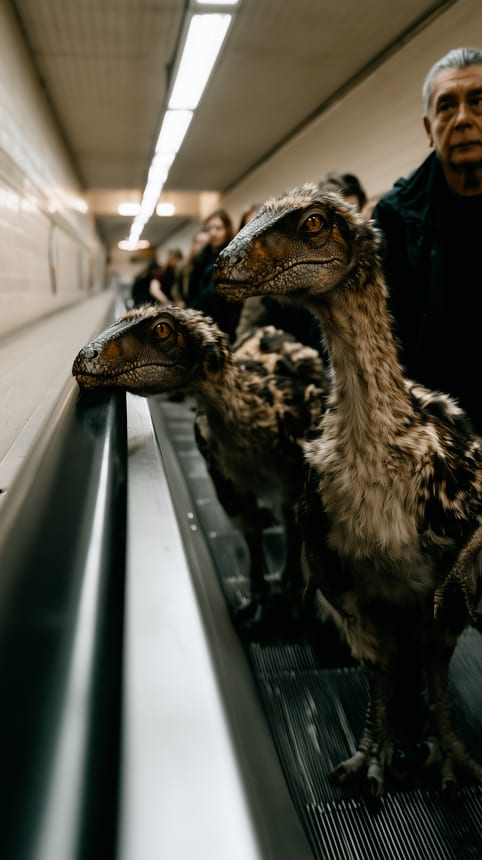
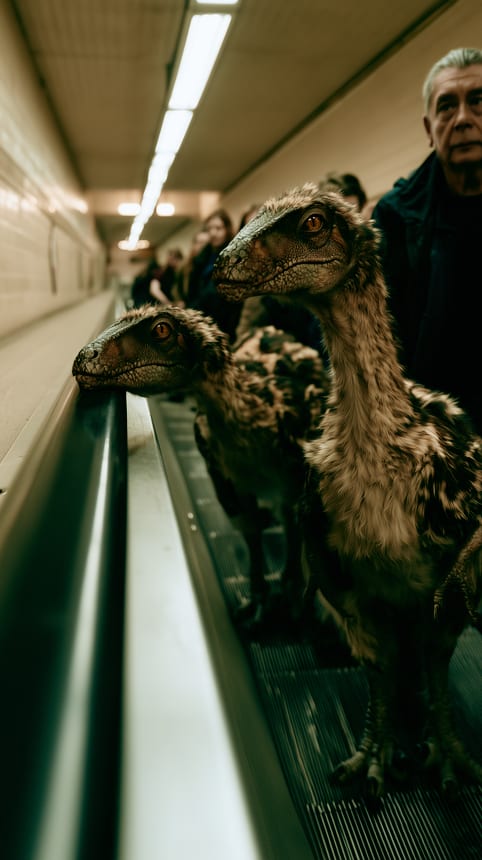
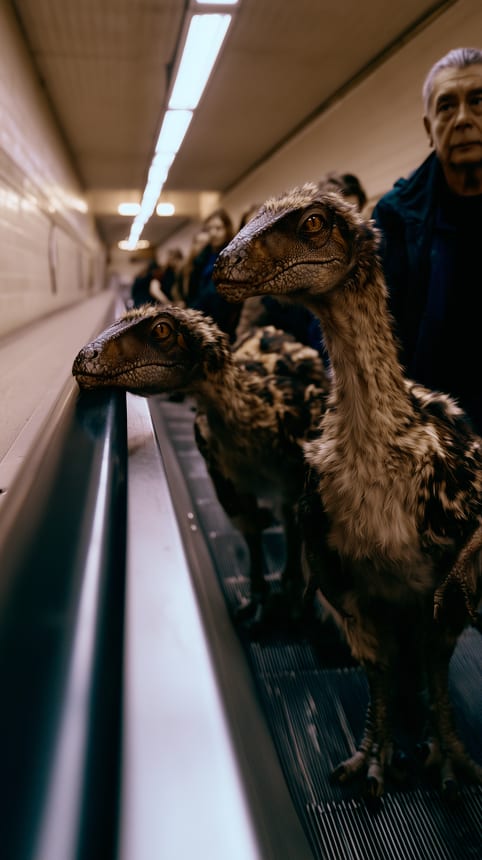
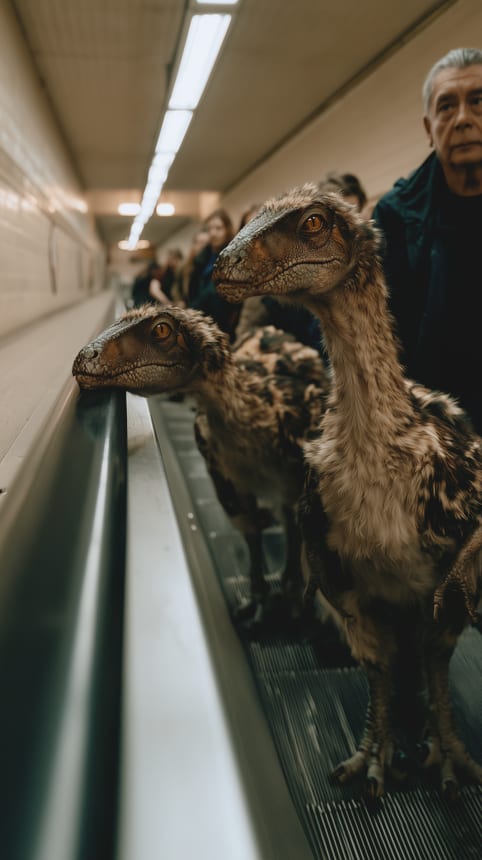
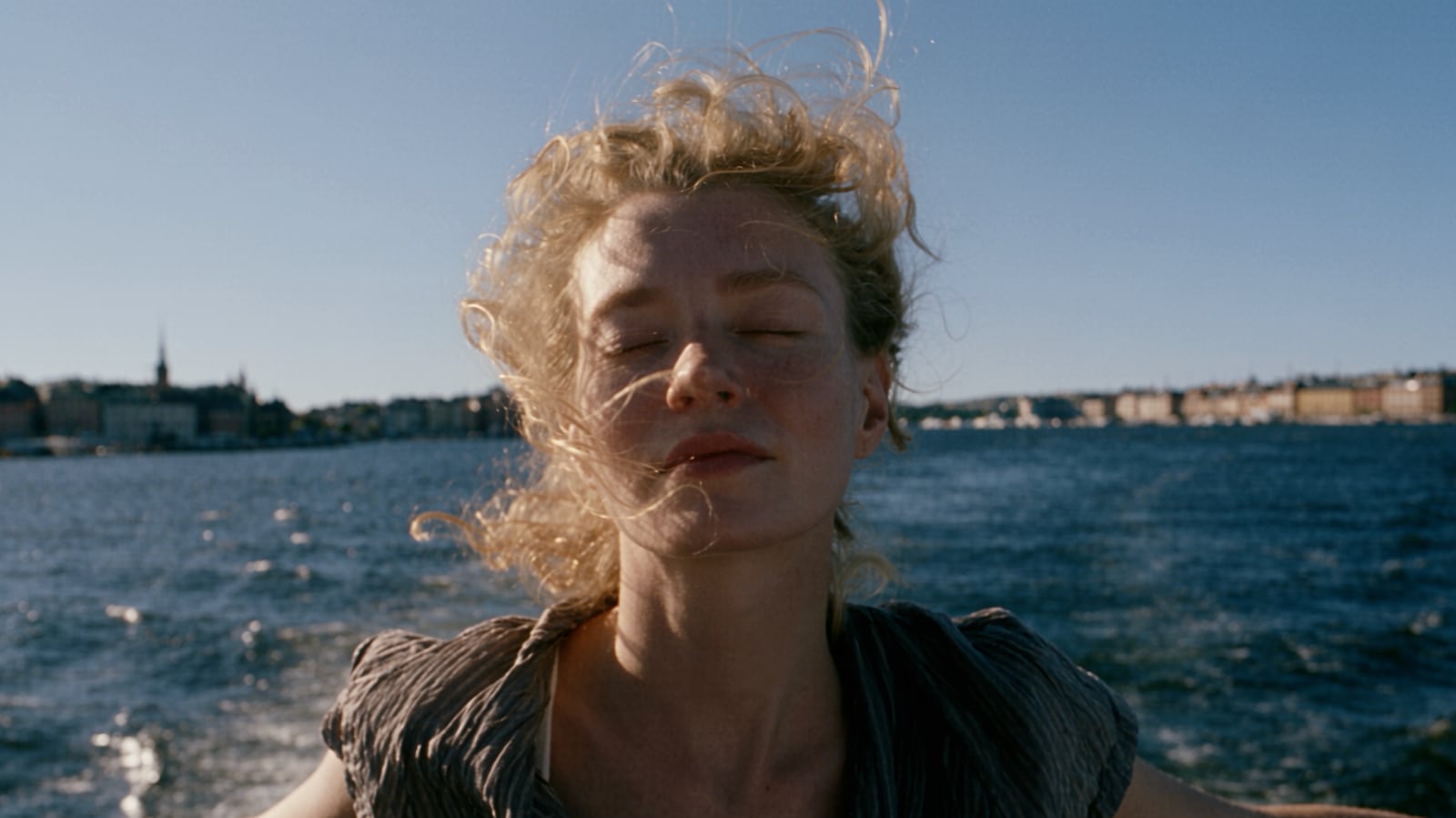
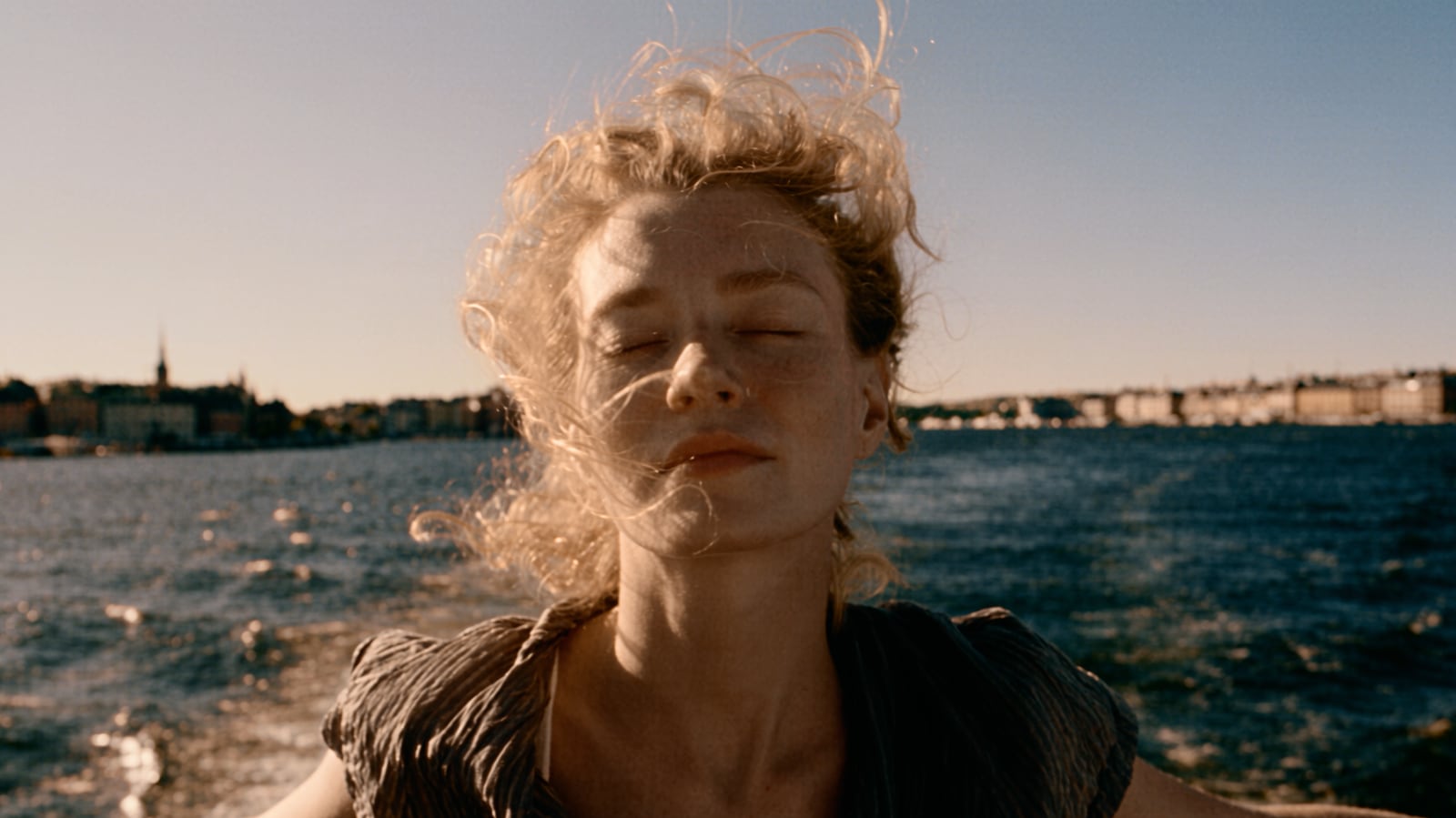
Before and after
Drag across the frame.
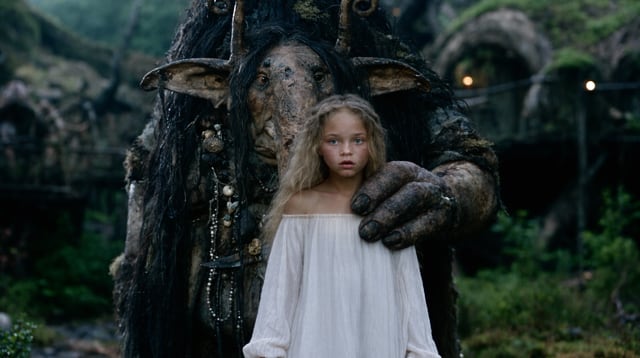
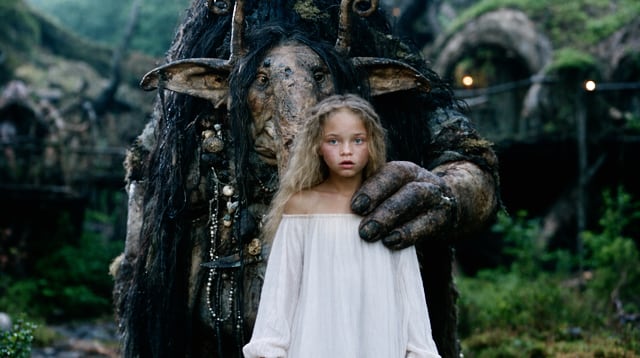
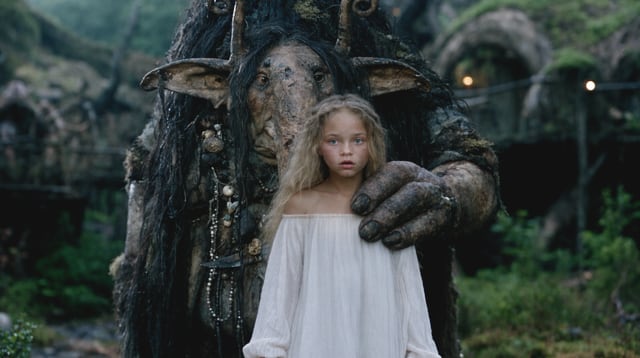
On the left, the source. On the right, C1.03 S115 on modelled print film, composed by Nyans for this shot.
Why Nyans
Built the way a colourist thinks.
Composed for this shot
Every look is built from your frame: its key, its black and white, the colour of its neutrals, where the skin is. Nothing is pasted on top of it.
Nothing crushed, nothing clipped
Black and white are set from the frame's own levels, so detail that was there stays there. Skin is held inside healthy skin tones in every look.
Film, modelled from the data
Negatives and print film are built from published characteristic data: spectral sensitivities, curves and dye densities. Every print is timed to grey, the way a lab times it.
What you see is what you deliver
The viewer runs the same 65-point LUT you export, baked from the same code. No surprises when it lands in Resolve or Premiere.
Your footage stays with you
Nyans runs on your device. Frames are never uploaded, so there is no queue and no waiting on a server.
It learns your taste
Every look you keep teaches it, on your device. Your next press leans your way.
How it compares
Presets and LUT packs
The same transform on every shot, whatever its exposure.
Ten new looks, solved for this shot.
Reference matching
Copies a look you already have.
Looks you haven't seen yet. No reference needed.
Cloud AI graders
Upload your footage, then wait.
Everything happens on your device, in seconds.
Film emulation plugins
A stock, and the grade is still yours to build.
The print and the grade, composed together.
Refine
Then make it yours.
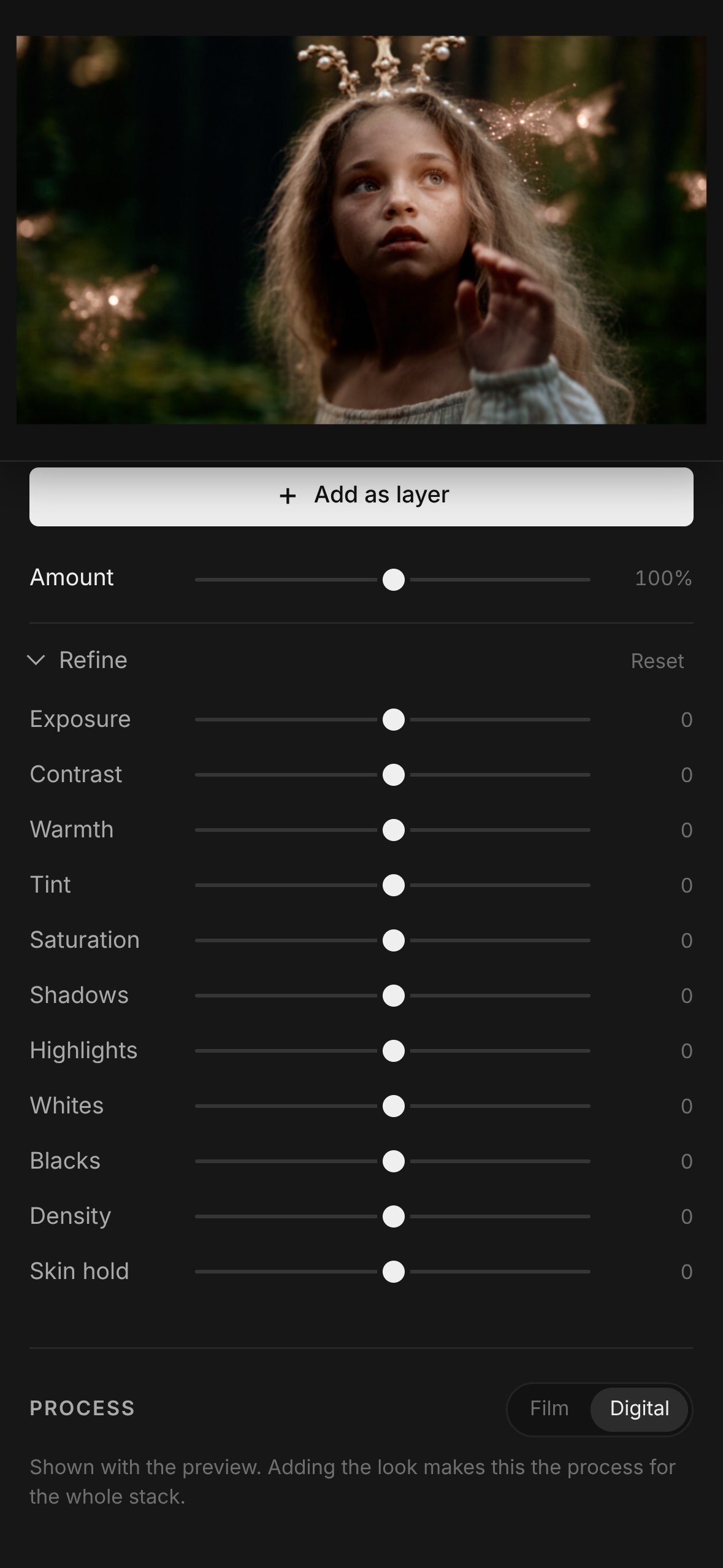
Every look opens with a full set of trims: Amount up to 200%, exposure, contrast, warmth, tint, saturation, shadows, highlights, whites, blacks, density and skin hold. Exposure, colour, shadows and highlights are trimmed inside the grade, before the print, the way a colourist works, so a correction never fights the look.
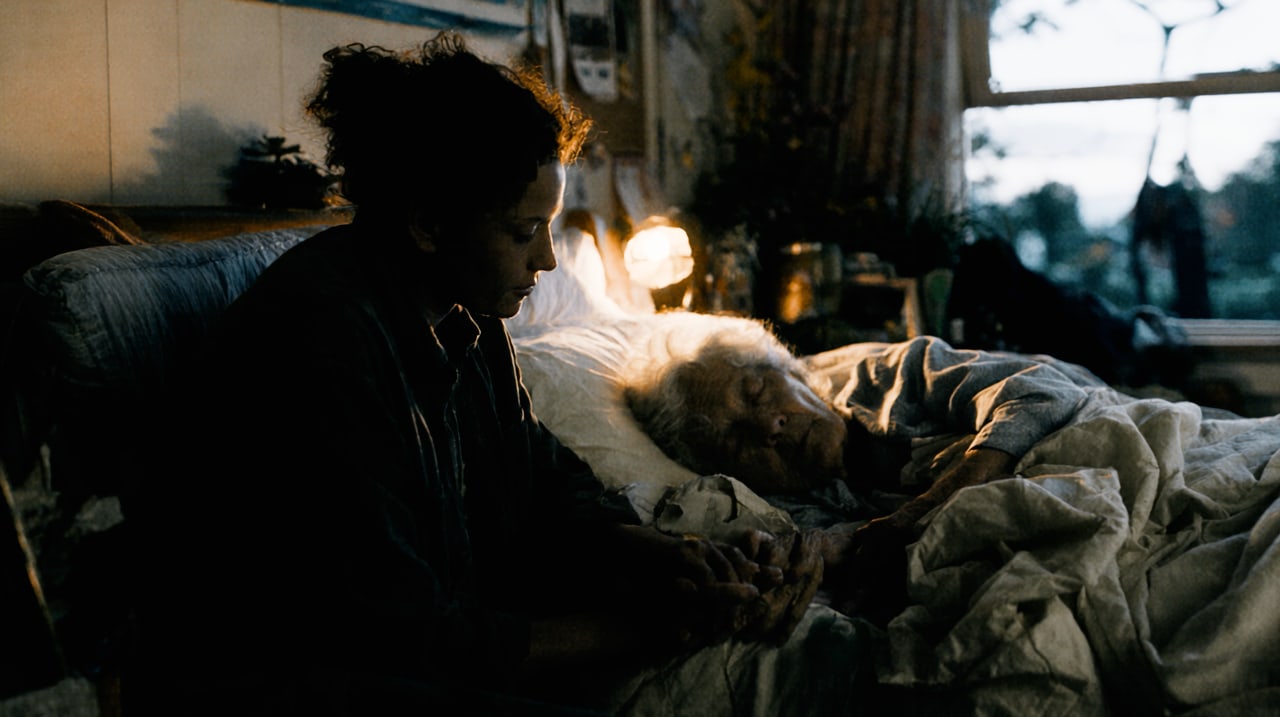
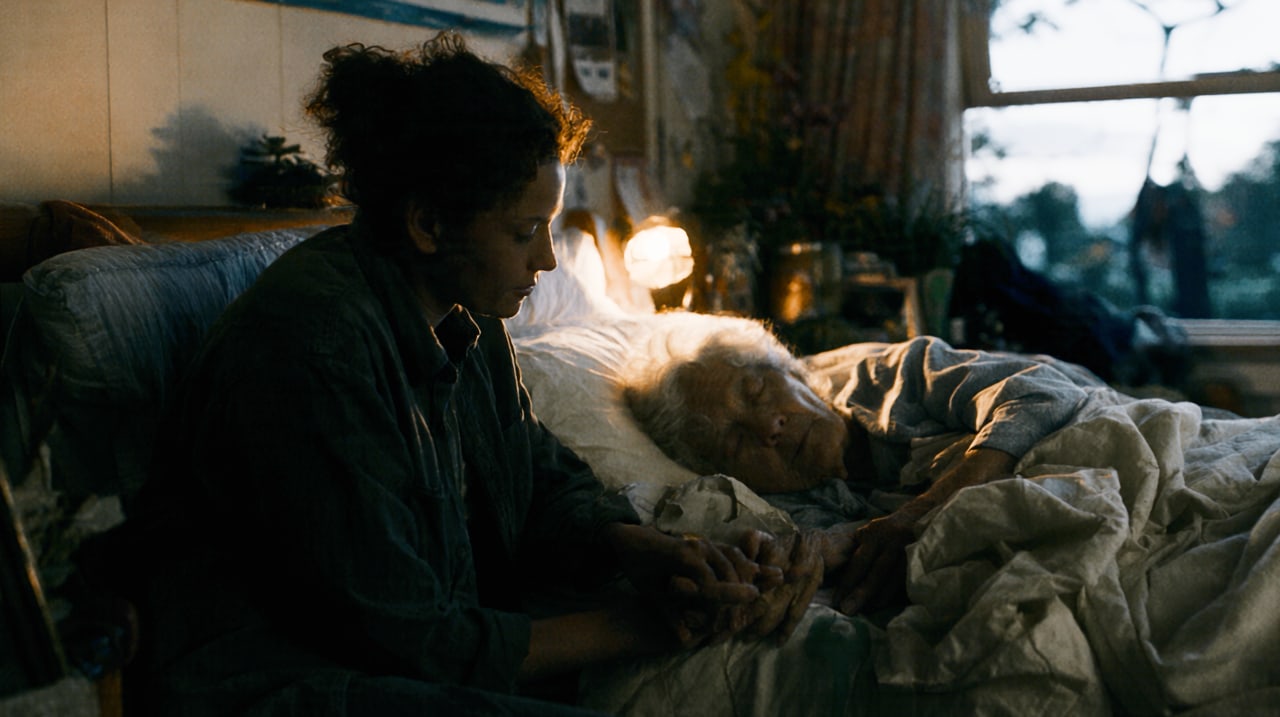
Shadows brings back what a look pressed into black. Her face, her sweater and her hands return, and the black stays black.
Variations that actually vary.
Ask for variations of any look and you get a new batch of alternatives, each one clear move: warmer, cooler, more contrast, softer, richer, lighter, darker. Each is labelled, so you know what you are comparing.

Workflow
In your browser. In your editor.
Nyans runs in the browser on a Mac, PC, tablet or phone, with nothing to install. In Premiere Pro and DaVinci Resolve it works as a panel: it reads the frame under the playhead and applies the look to the clip in one press.
- Reads
- ARRI LogC3 and LogC4, Sony S-Log3, Canon Log 3, Panasonic V-Log, RED Log3G10, Blackmagic Film Gen 5, Apple Log, DaVinci Intermediate, Rec.709 and sRGB, and AI-generated stills and clips.
- Delivers for
- Rec.709 Gamma 2.4, Rec.709-A, sRGB and Display P3. The viewer, the scopes and every export follow your choice.
- Exports
- .cube LUTs at 33 and 65 points, full-resolution PNG and JPEG stills, and the graded clip.
- In your editor
- Panels for Premiere Pro and DaVinci Resolve.
- Scopes
- Parade, histogram and vectorscope, a split compare and one-tap bypass.
- Layers
- Stack looks, and generate new ones on top of the grade you have built.